
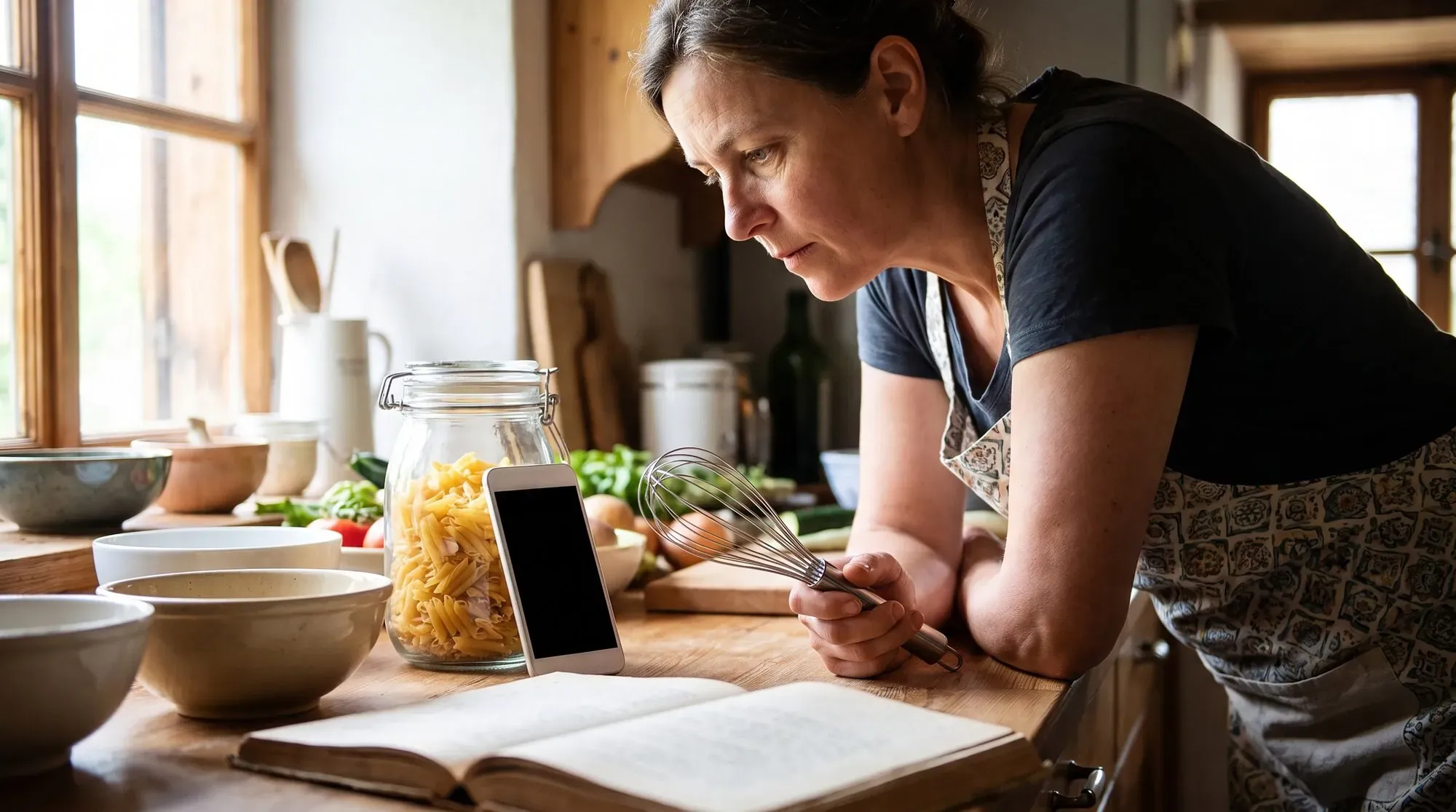
The best free recipe organizer app is not automatically the one with the most badges, templates, or AI features. It is the one that removes a specific repeat problem: recipes scattered across saves and screenshots, an ingredient list you cannot find at the shop, or a promising dish that never becomes dinner. Start with that problem. Then test candidates with the same five recipes you genuinely cook. A familiar recipe reveals friction faster than an empty library ever will.
Start with the problem you want to remove
Name the friction
Write one plain sentence: “I need a place to ___.” You may need to save web recipes, preserve handwritten family notes, search by an ingredient, or connect reliable meals to a shopping list. The answer changes what “best” means. If you only need a calm, searchable archive, meal planning can be clutter. If you regularly plan a week, an archive that never reaches your calendar or list may leave the real work untouched.
Decide what must travel with the recipe
A useful recipe card keeps the information that lets you cook safely and confidently: a recognizable title, source, ingredients with quantities, servings when known, and readable steps. It should also let you correct an import. Public recipe pages, social posts, scans and notes often contain omissions. An organizer can save time, but it cannot verify allergens, freshness, food temperature, a medical diet, or whether a copied method is complete.
Test a recipe from save to dinner
Save and review one real recipe
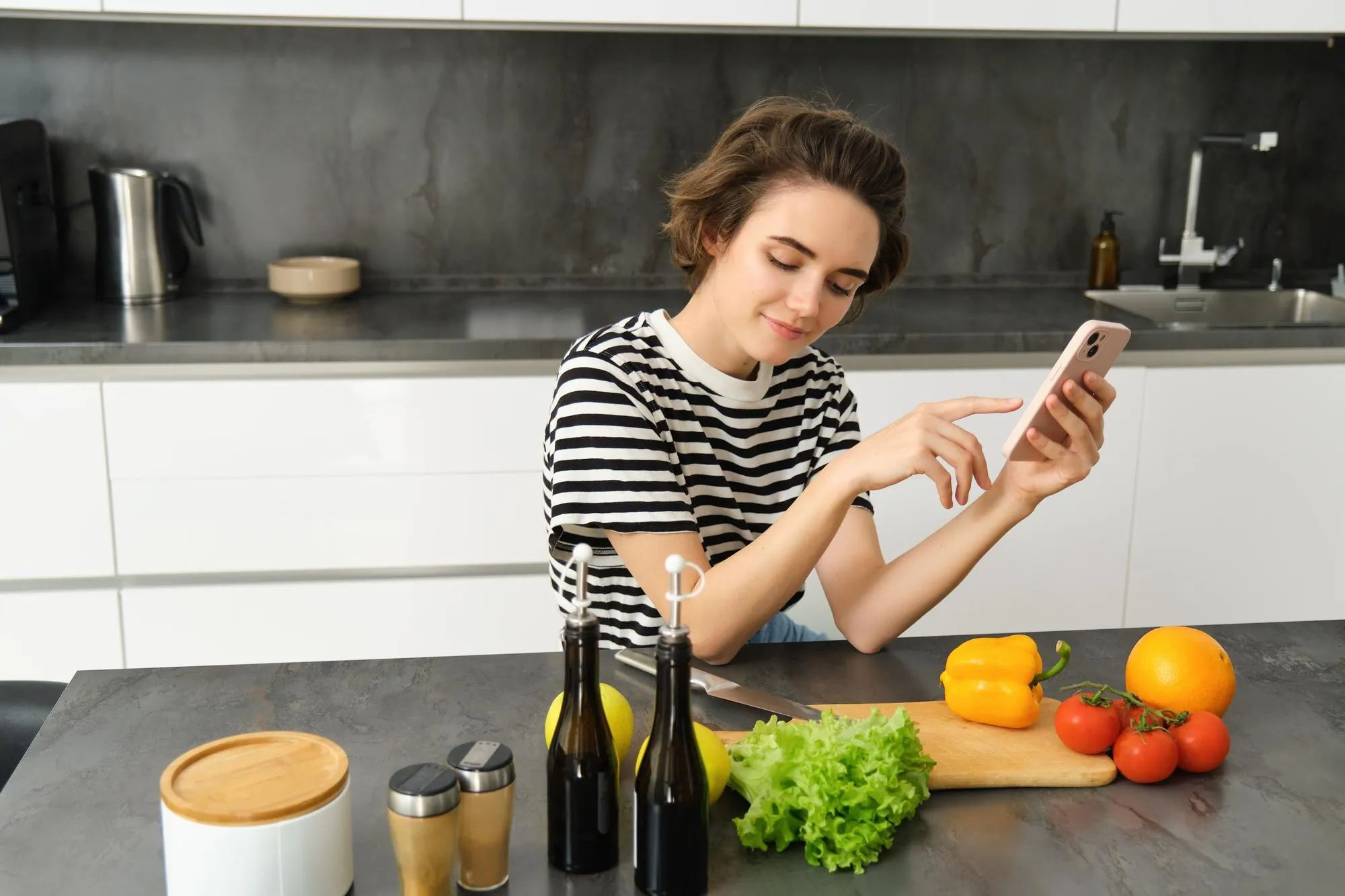
Choose one public recipe with enough detail to matter. Save it in each candidate, then compare the result to the original before you close the app. Check the title, source, ingredients, quantities, servings and method. Correct one field deliberately. If an app turns a five-minute capture into hidden cleanup, that is important information—not a reason to keep adding recipes in hope that the process improves.
Find it again when you are hungry
The next evening, search for the same recipe using only the clue you would naturally remember: “chickpeas,” “Wednesday,” “pasta,” or the person who shared it. Open it while one hand is busy. Can you read a step and an ingredient without losing your place? Can you mark a favorite or put it in a useful group? A good organizer earns its place in this distracted moment, not only during a leisurely setup session.
Compare the workflow, not a feature list
A library-first organizer
A library-first tool is sensible when your main job is preserving a personal cookbook. Look for reliable import or entry, editing, search, categories, and a clear way to keep your data. Paprika describes web importing, meal plans, grocery lists and cross-device sync, while also noting that its platform versions are sold separately. That kind of tradeoff may be right for someone who values a mature personal library over a no-cost starting point.
A planner-first organizer
A planner-first tool helps when the hard part begins after saving: deciding what to cook and turning selected meals into a list. Samsung Food describes a workflow of saving recipes, placing them in a weekly plan and making a shopping list. Test whether that connected path helps your household, rather than assuming every saved recipe needs a plan. A useful planner should still leave room for leftovers, changed schedules and meals you do not want to repeat.
A connected household workflow
Some people need household collaboration more than a perfect recipe card: a shared list, a way to send a meal to another person, or a system that works across devices. Others need offline reading or a simple place for private notes. Put those needs in your test, but do not turn them into imagined requirements. The best choice is usually the shortest path from “I saved this” to “we cooked it,” with the least cleanup along the way.

Check the terms behind “free”
Free download, free tier, purchase and subscription
“Free” can mean a free download with optional purchases, a limited free tier, a time-limited trial, advertising, or a separate one-time purchase. These are different offers. Read the current store listing or official pricing page for the actions you need: importing, search, number of recipes, sync, sharing, meal planning, export and grocery lists. Product terms change, so this article intentionally does not freeze prices or feature limits as permanent facts.
Test your exit route
Before moving hundreds of recipes, test your exit route. Can you copy or export a representative recipe? Can you still see its source, ingredients and notes if you stop using the app? How does sign-in and device sync work? You do not need to predict every future phone, but a small backup test helps you avoid discovering a lock-in problem only after you have corrected a large library by hand.
Choose the smallest tool that completes your next step
Protect the cooking judgment
A useful recipe card keeps the information that lets you cook safely and confidently: a recognizable title, source, ingredients with quantities, servings when known, and readable steps. It should also let you correct an import. Public recipe pages, social posts, scans and notes often contain omissions. An organizer can save time, but it cannot verify allergens, freshness, food temperature, a medical diet, or whether a copied method is complete.
How Dishday fits the save-to-plan workflow
Dishday is most useful when a saved recipe should become a practical dinner decision. Its current App Store listing says it supports saving and importing recipes, weekly planning and grocery lists; it is listed as free with in-app purchases. Use the recipe organizer page for current product details, and pair it with the guide to organizing recipes saved from social media if your backlog needs cleanup first. Review every imported recipe yourself before cooking.
Frequently asked questions
Is a free recipe organizer enough?
A free organizer can be enough when it makes your own recipe loop easier: save, review, find, cook and, if needed, plan. It is not enough just because it installs without payment. Test the actions you will repeat and read the current terms before committing time to a large transfer.
How many recipes should I test first?
Start with five deliberately different recipes: one web recipe, one social recipe, one family note, one weeknight favorite and one meal you might plan. This sample exposes import quality, search, edits, source handling and whether planning is genuinely useful without creating a tedious migration project.
Should I choose a library or a meal planner?
Not necessarily. A simpler organizer may be best for a private searchable collection. A connected planner may help if the recurring problem is deciding dinners and building groceries. Choose the workflow you will actually repeat, not the longest feature list.
How do I avoid losing my recipe collection?
Keep the original source when possible, check every imported ingredient and instruction, and test export or copying with a few recipes. Recipe data deserves the same care as any other personal collection you have spent time correcting.
Make your choice with five real recipes
Save five real recipes, review one carefully, search for it tomorrow, open it while cooking and try one planning or grocery action if you need it. Pick the candidate that passes with the fewest workarounds. Download Dishday on the App Store if that connected recipe-to-plan path is the one you want to test.