
A concrete outcome
Every action should move you toward a chosen meal, a plan, or a finished list.
 DishdayFor iPhone, iPad, and Apple Watch
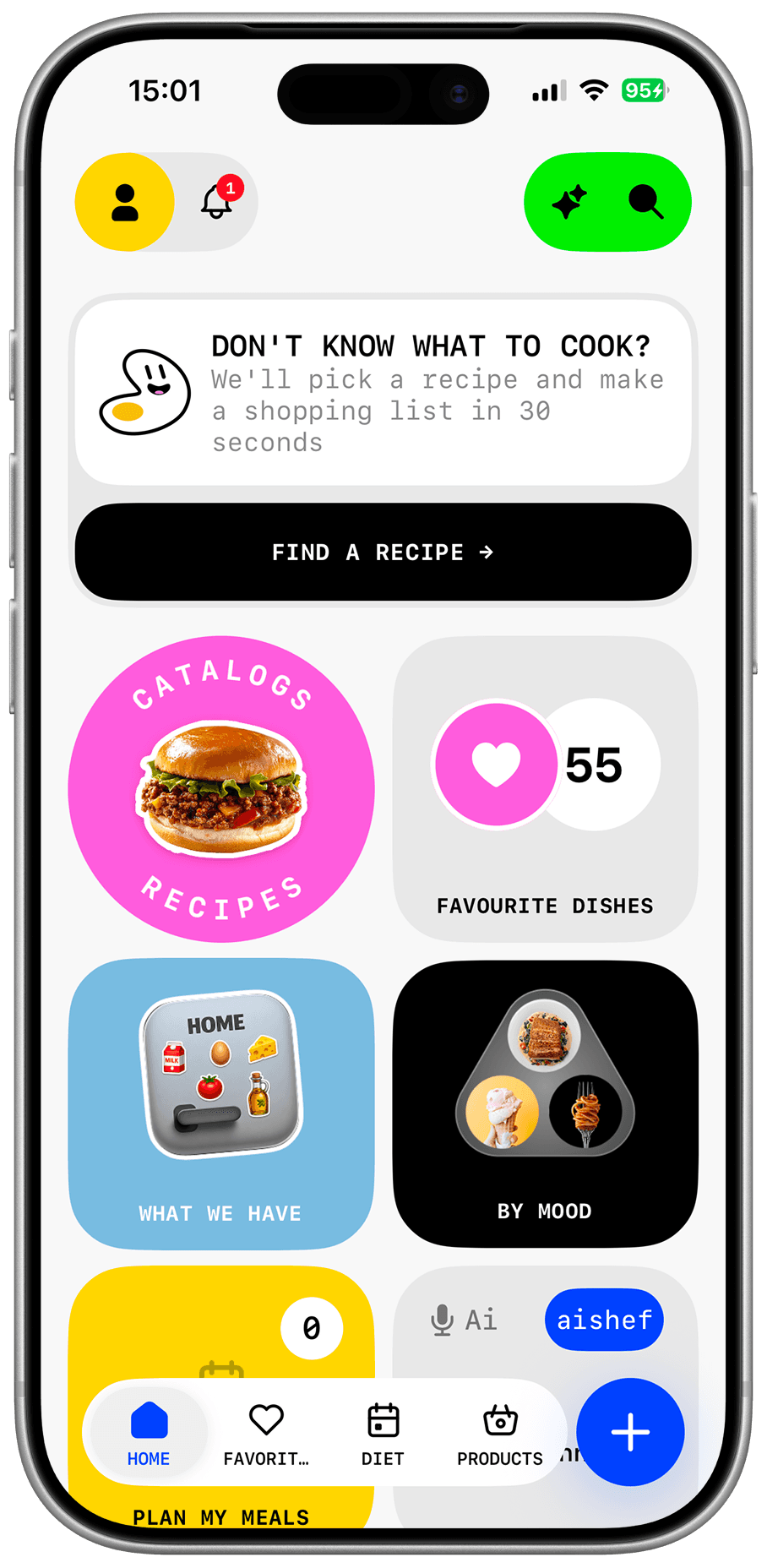
Choose what to cook, plan the week, and get a grocery list — all in one app.
Three steps to a clearer week
Add dietary preferences, restrictions, available time, and cooking level.
Use the Dishday catalog, pantry items, or save a recipe from a public link.
Place meals on the week and collect the required ingredients in your grocery list.
Dishday connects recipes, food at home, weekly planning, and groceries. Change a meal and the rest of the workflow stays clear.
How Dishday helps you plan weekly meals
Meal planner
See the whole week at once. Arrange breakfast, lunch, and dinner by day so demanding meals and quick options fit real life.
Grocery list
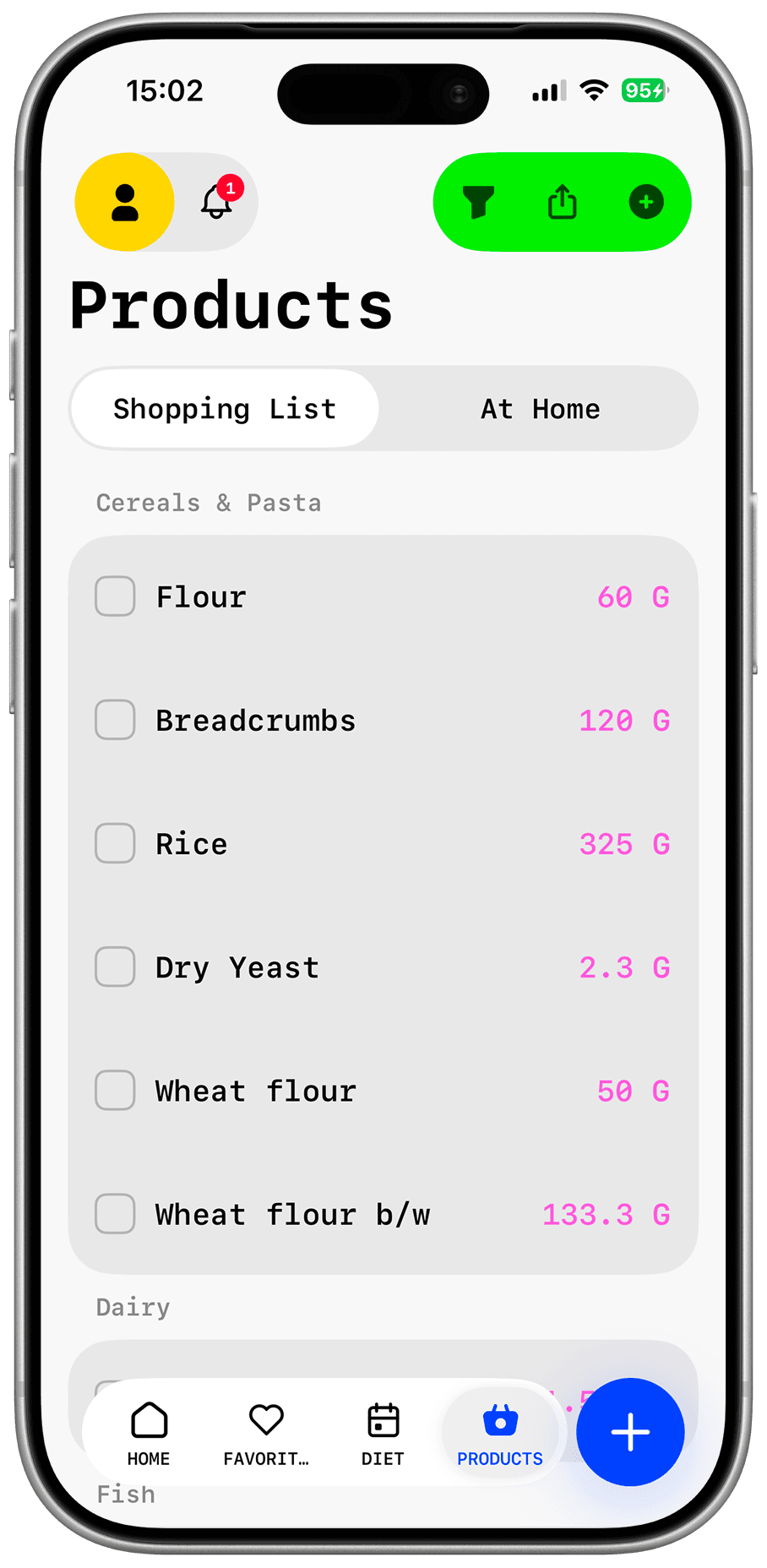
Ingredients from every selected meal in one place. Collect products from several recipes, check off purchases, and stop holding the list in your head.
Recipe import
A personal cookbook instead of scattered saved links. Dishday turns accessible recipe text into a structured card you can review and edit.
Food at home
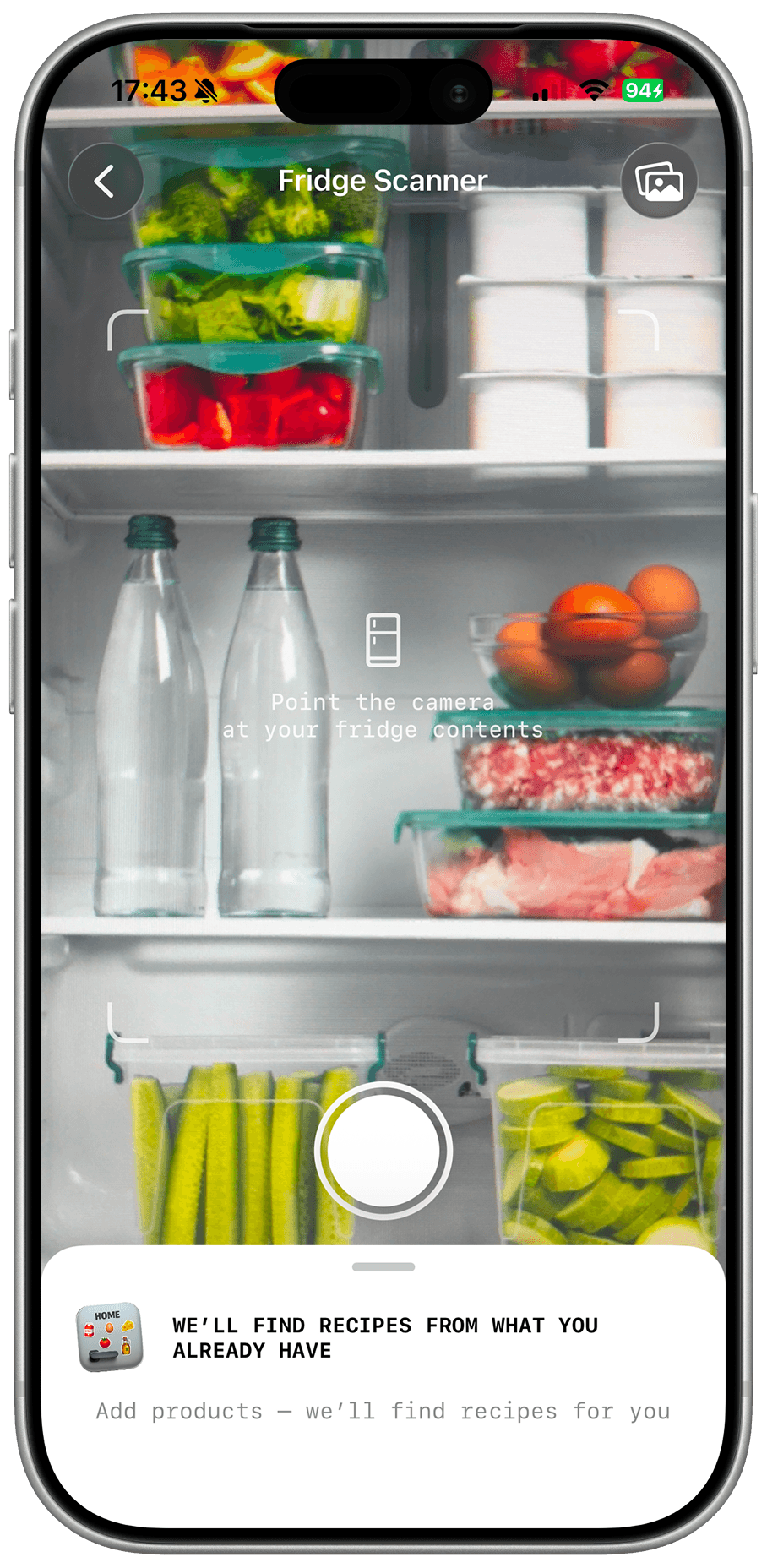
Start with what you already have. Add pantry items and use them as the starting point for a suitable meal.
An independent app for people who need a concrete plan, not another endless recipe feed.
Every action should move you toward a chosen meal, a plan, or a finished list.
Suggestions can be replaced, recipes edited, and account data deleted.
AI can be wrong. Check important information about allergens, nutrition, and doneness.
Copy a public recipe link and open import in Dishday. The app will try to identify the title, ingredients, and steps. Review the result before saving.
Add a recipe or meal to your plan, then move its ingredients to the list. You can combine duplicates and check off purchased items.
Preferences help personalize suggestions, but AI and recipe data can contain mistakes. Always verify ingredients and packaging yourself.
Yes. Account deletion is available in app settings. You can also email support from the address linked to your account.
Some sites block automated access, and images or text can be incomplete. Send the link and a short description to support.
Save your recipes, add a few meals to the plan, and let Dishday assemble the groceries.
Download on the App Store