

Copy the link
Open the post or Reel, tap share, and copy the public link.
When a recipe Reel looks good but disappears later
Copy a public Instagram post or Reel link, move the recipe into Dishday, review the ingredients, and use it in your cookbook, weekly meal plan, or grocery list.
The short answer
Instagram is good for inspiration, but weak for cooking. The recipe may be in the caption, comments, voiceover, or a link to another site. Dishday helps turn the idea into a recipe card you can review, save, plan, and shop from.
Problem
Saved posts and Reels mix with every other idea you liked. When dinner time comes, you need ingredients, steps, servings, and timing — not just a video you vaguely remember.
The practical move is to keep the original source but turn the cooking information into a clear recipe card.
Solution
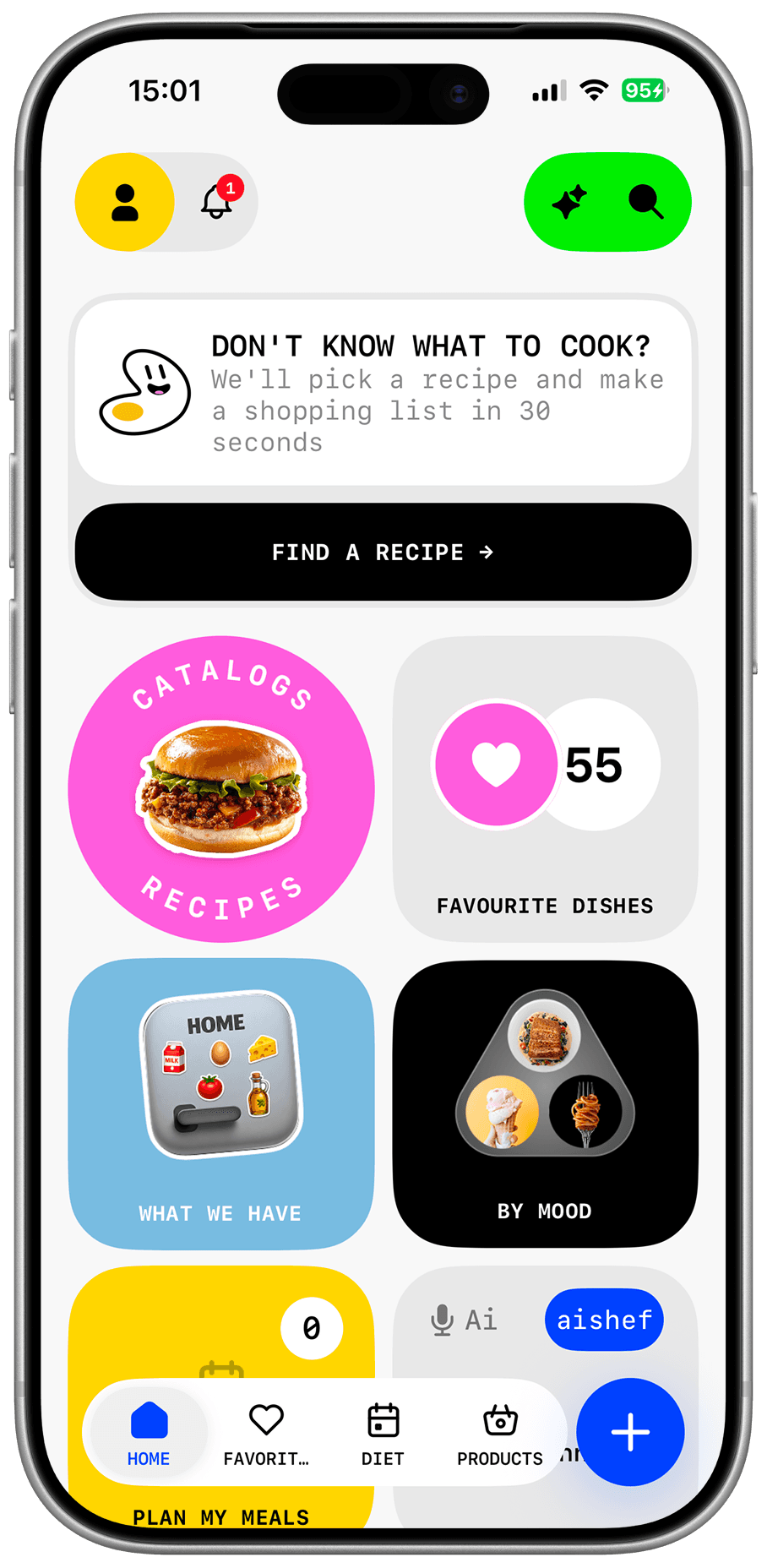
Once a recipe is saved in Dishday, it can sit next to your own recipes, be edited, added to favorites, placed in a weekly plan, and used for groceries.
Instagram stays the discovery source. Dishday becomes the place where the idea turns into dinner.
Workflow
Use content you can access: a public link, recipe text, caption, or the creator’s linked recipe page.
Open the post or Reel, tap share, and copy the public link.
Paste the link or recipe text into the import flow.
Check ingredients, servings, steps, timing, and source before saving.
Add it to your cookbook, weekly plan, and grocery list.
Who it helps
Save good ideas in a form you can cook from later.
Move the best posts out of a messy saved folder.
Place Instagram meals on real days instead of saving them for “someday”.
Review ingredients before adding them to shopping.
Features
Title, ingredients, steps, and source in one place.
Fix ingredients, servings, and steps before you rely on them.
Keep saved recipes away from social-feed noise.
Return quickly to meals worth repeating.
Place the recipe on the day you want to cook it.
Use checked ingredients for shopping.
Limit
If an account is private, the link is unavailable, the recipe is only spoken in a video, or exact quantities are missing, import may be incomplete. Always review ingredients, allergens, timing, temperature, and servings before cooking.
FAQ
Yes, when you have an accessible link or recipe text. Review the recipe card before saving.
Not automatically if Dishday cannot access the content. You can manually add text you are allowed to use.
Write down or paste the ingredients and steps manually, then save them as a recipe card.
Keeping the source is useful so you can return to the creator and verify details.
Yes. Saved recipes can be placed into your weekly plan.
Yes, after you check the ingredients.
Dishday
Move the recipe into Dishday, review the details, and use it in your meal plan and grocery list.