

Save
Move each meal into a clear card instead of keeping it across different apps.
When recipes are saved everywhere
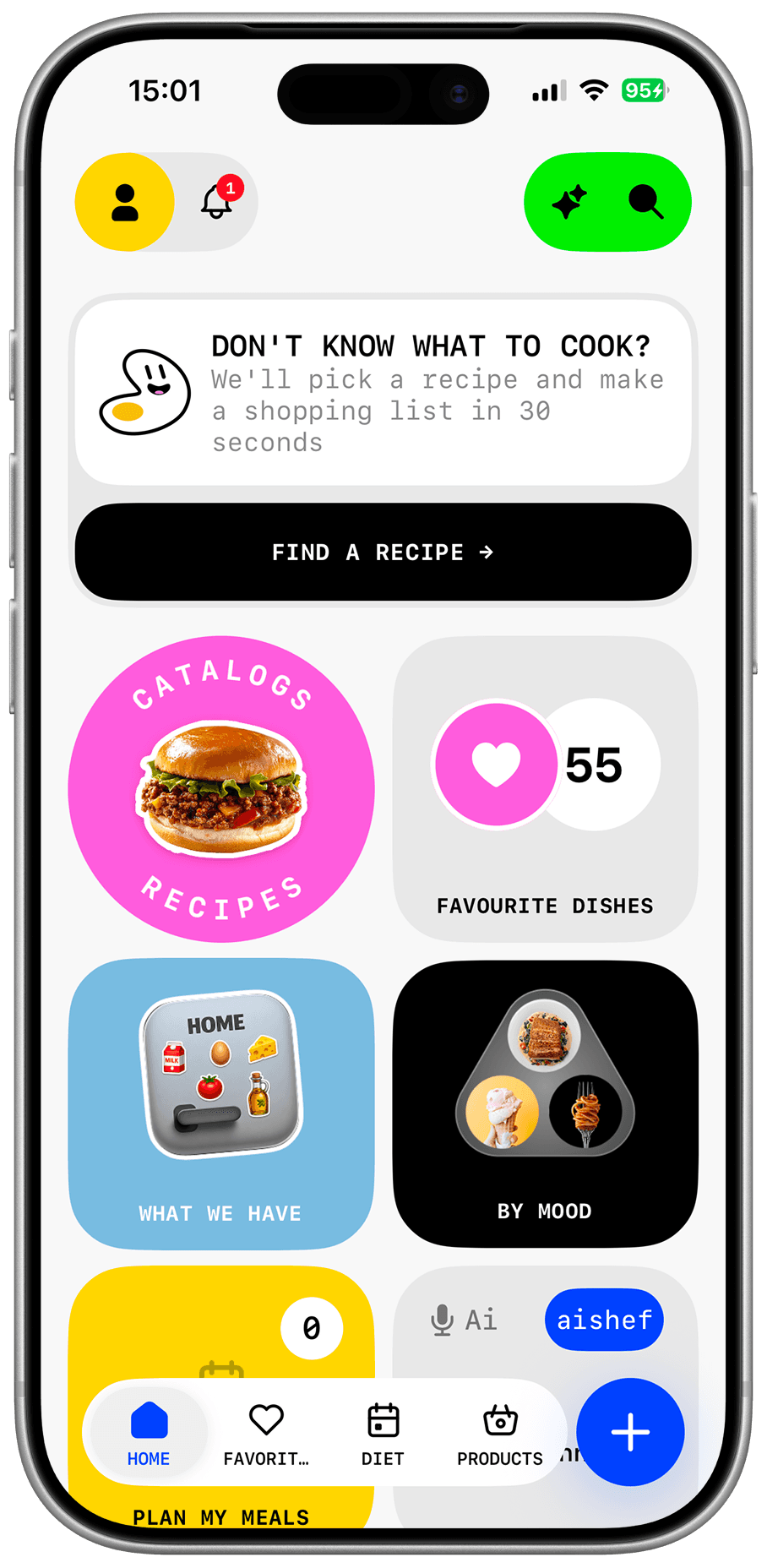
Save your recipes, import ideas from public links, keep ingredients and steps in one place, then use meals in your weekly plan and grocery list.
The short answer
A bookmark folder does not solve the real problem. You can save a recipe and still fail to find it before dinner. Dishday turns recipes into usable cards: title, ingredients, steps, source, and a connection to your meal plan.
Organization
Recipes often live in notes, screenshots, messages, bookmarks, and saved social posts. When it is time to cook, you have to remember where the right version is and which ingredients it needs.
Dishday helps bring recipes into one personal library. A saved meal can be opened before cooking, edited, marked as a favorite, and used in your weekly plan.
More than storage
A useful recipe organizer should not be a dead archive. When a recipe works, the next question is when to cook it and what to buy.
Dishday connects saved recipes with the weekly meal plan and grocery list, so the workflow stays practical: choose, save, plan, shop, cook.
Example
Say you have family pancakes, pasta from a blog, a TikTok dinner, and a quick soup in notes.
Move each meal into a clear card instead of keeping it across different apps.
Place the recipe on a day and open it while cooking.
Use ingredients from selected recipes to support your grocery list.
Who it is for
Replace scattered bookmarks, screenshots, and messages with one library.
Keep trusted meals next to new ideas.
Move good ideas into a format with ingredients and steps.
Use saved recipes in your weekly menu and groceries.
Features
Keep favorite meals and ideas in one place.
Add recipes from public pages and blogs.
Review title, servings, ingredients, and steps.
Return quickly to meals you cook often.
Place saved recipes into your plan.
Use recipe ingredients for shopping.
Three steps
Create a card manually or import a public link.
Check ingredients, steps, servings, and source.
Add the meal to your week and prepare groceries.
Important
Before cooking, always check ingredients, allergens, quantities, freshness, cooking temperature, and timing. Dishday helps store and organize recipes, but the final decision stays with you.
Questions and answers
A good organizer stores recipes as usable cards with ingredients, steps, source, editing, and a way to use meals in planning.
Yes. Dishday lets you save and edit your own recipe cards.
Yes, when the recipe has a public accessible link. Review the imported card before saving.
If the recipe has a public link or accessible text, you can move it into Dishday and review it.
Yes. Saved recipes can be placed in your weekly plan.
Yes. Ingredients from saved recipes can support your grocery list.
Dishday
Dishday
Save favorite meals, import new ideas, and use recipes in planning and groceries.