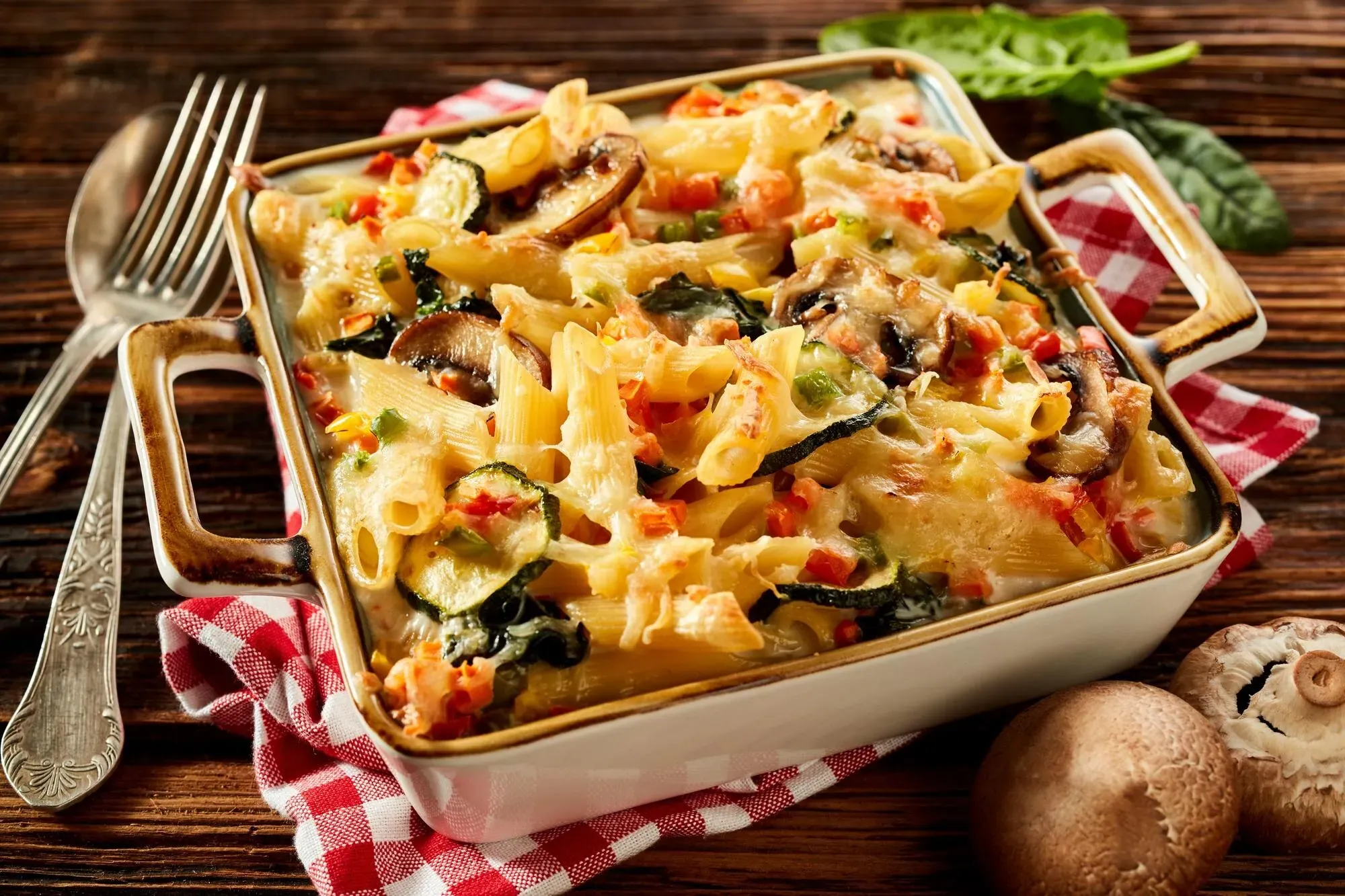

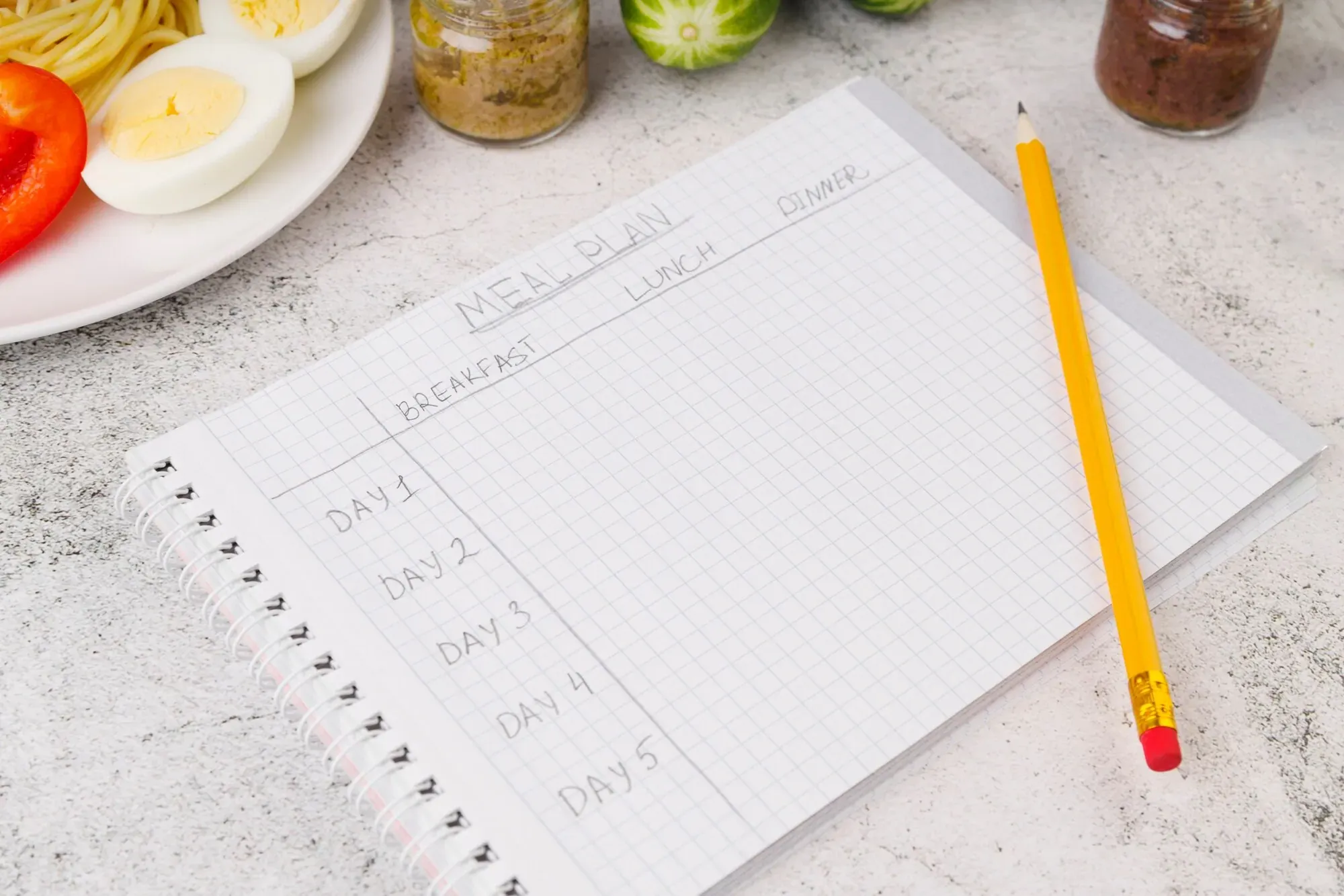
Flexible meal planning means deciding what food options belong in the week without promising that every meal will happen on a fixed day. Choose two or three anchor meals for commitments you can predict, add two movable meals whose ingredients can wait or change form, and keep one pantry or freezer reserve. When the schedule changes, move the most perishable safe food earlier and the most flexible option later.
This is different from abandoning the plan. You still decide before everyone is hungry. The plan simply stores decisions as a short queue instead of attaching every recipe permanently to Monday, Tuesday or Wednesday.
Start with commitments, not seven dinner boxes
Look at the next few days and mark only what is genuinely known: a late shift, a school activity, a dinner away from home, a night when everyone is likely to be present, or a day with enough time to cook. Do not fill the uncertain spaces yet.
USDA MyPlate recommends checking food already at home, thinking about available time, choosing quicker meals for busy days, planning leftovers and buying a mix of fresh, frozen and shelf-stable foods. Its official meal-planning guidance provides a useful base for a changing week because it treats time and perishability as planning inputs, not surprises.
Now divide dinner decisions into three groups:
Anchor meals: meals tied to a real commitment. A slow-cooker dinner might belong on the day you can start it in the morning; a family favorite might belong on the only evening everyone is home.
Movable meals: two or three options you intend to cook but have not assigned permanently. Pasta with beans, a vegetable frittata, tacos from flexible components or a grain bowl can move when their ingredients allow it.
Reserve meal: a complete familiar option that can wait if unused, such as frozen soup, dumplings, a frozen homemade portion or shelf-stable pasta and sauce.
For a highly variable week, two anchors, two movable meals and one reserve are usually more useful than five unrelated recipes assigned to exact nights.
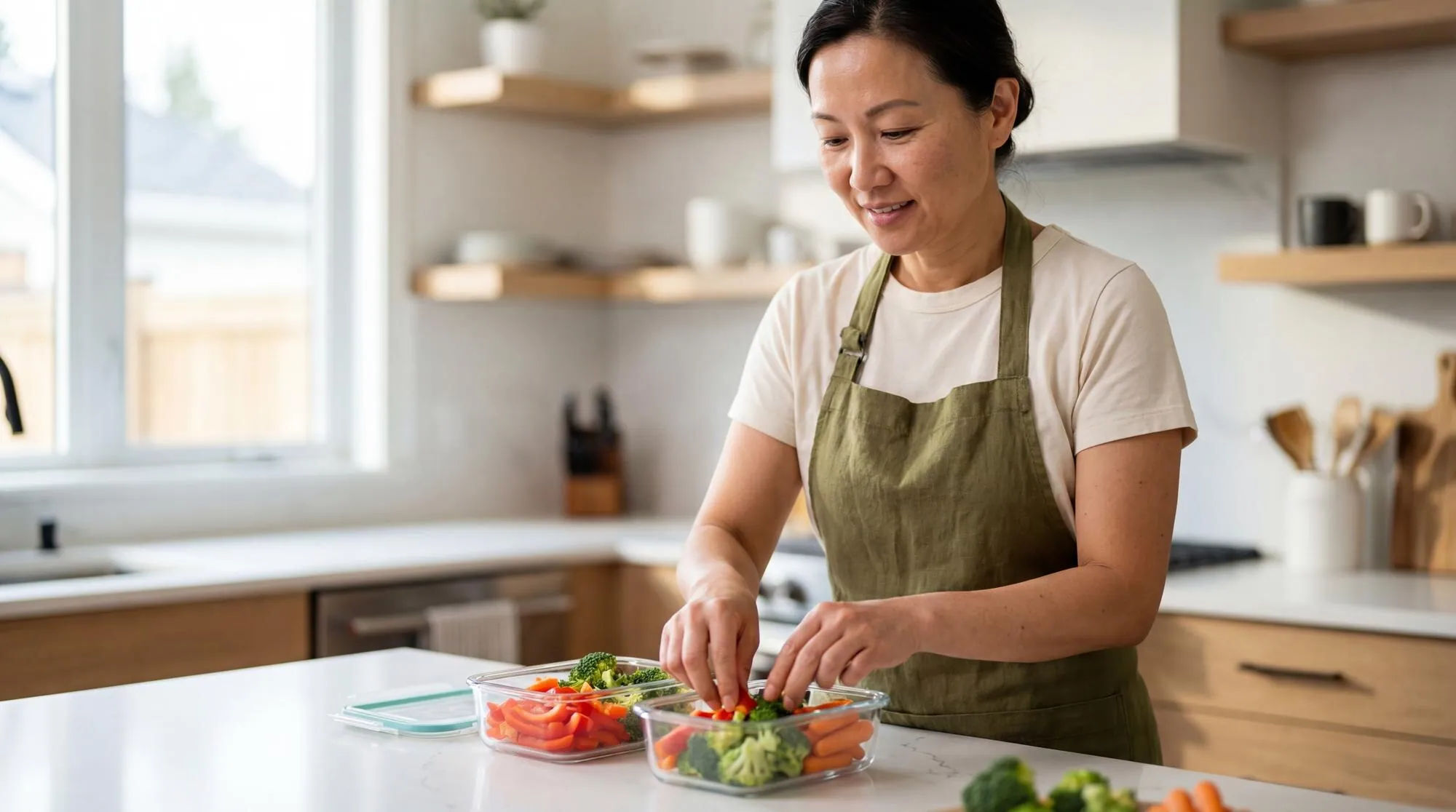
Give every planned meal four practical labels
A recipe title alone does not tell you how easily it can move. Add four short labels beside each meal so the decision is obvious when plans change.
1. Use-first date
Note the ingredient that limits the meal: fresh fish, opened dairy, delicate greens, cooked leftovers or a ripe vegetable. Use package dates, storage instructions and the actual condition of the food. The label is a planning reminder, not a new safety guarantee.
2. Active effort
Write the hands-on effort honestly: assemble, 15 minutes, 30 minutes or longer cook. A one-hour oven time may still be manageable if active work is short; a “quick” meal with extensive chopping may not be.
3. Location
Mark whether the meal must be eaten at home, can be packed or can become a later lunch. A portable grain bowl can survive a schedule change differently from fish that needs cooking and immediate serving.
4. Next move
Decide what happens if the meal is skipped: move to tomorrow, freeze an ingredient, cook one component, turn it into lunch or leave it untouched for next week. Writing the next move prevents an uncertain meal from becoming forgotten groceries.
One compact line is enough: “Vegetable tacos — peppers first — 20 min — home — roast filling if canceled.”
Shop according to commitment level
The more uncertain the week, the less useful it is to buy five sets of delicate ingredients at once. Build the grocery list in layers.
First buy the ingredients for anchor meals and any fresh food you already know how to use. Then add ingredients shared by more than one movable meal: tortillas that can become wraps, yogurt that can become sauce or breakfast, spinach that can join pasta or eggs, and a grain that can support bowls or a side dish. Finally, confirm that the reserve meal is actually available before buying another backup.
Use a simple freshness order:
food already open or cooked;
delicate fresh ingredients;
sturdy refrigerated ingredients;
frozen and shelf-stable food.
This order does not replace storage instructions. It gives the plan a recovery path: if Tuesday disappears, Wednesday starts with the safest food that still needs attention rather than the meal originally written in that box.
For a detailed list-building method, use How to Make a Grocery List from a Weekly Meal Plan. If your bigger problem is combining repeated ingredients across recipes, Dishday's grocery-list guide explains the connected recipe-to-list workflow.
Decide the disruption rules before the disruption
When the day changes, run the same short decision instead of rebuilding the entire week.
If dinner is canceled
Check whether any ingredient or cooked food needs action today. Leave stable ingredients alone. Freeze a suitable item, cook only the limiting component, or move the meal to the next available slot. Do not automatically cook a full dinner nobody will eat.
If the cook arrives home late
Use the reserve meal or assemble the lowest-effort movable option. Move a higher-effort meal only after checking its perishable ingredients. A backup is performing its job; it is not evidence that planning failed.
If extra leftovers appear
Replace a planned meal instead of adding the leftovers on top of the plan. Name the leftover and its intended use. A clear label such as “rice and roasted vegetables — Wednesday bowls” is more actionable than “leftovers.” See How to Label Meal Prep Containers for a repeatable label system.
If more people or fewer people will eat
Keep the base and adjust the finish. Add bread, beans, eggs, frozen vegetables or another simple side for extra servings. If fewer people are home, reduce the batch when possible or decide which portion will become a safe planned leftover.
A flexible five-dinner example
Suppose Monday is predictable, Tuesday may run late, Wednesday is open, Thursday includes an activity and Friday may become dinner with friends. You have rice, canned beans, frozen peas and tomato sauce.
Anchor 1: Monday sheet-pan dinner
Roast chicken or tofu with peppers and onions, and serve it with rice. Cook enough rice and vegetables for a second format, but do not season every extra portion the same way.
Movable 1: tomato, spinach and bean pasta
This is the use-first option because of the spinach. It can happen Tuesday or Wednesday. If Tuesday disappears, inspect and move the spinach meal ahead of the sturdy taco ingredients.
Movable 2: tacos or bowls
Use the extra roasted components with beans, tortillas or rice and a simple sauce. The same filling can become a packed bowl if the household will not sit down together.
Anchor 2: Thursday fried rice
The activity night gets a fast meal using chilled cooked rice, frozen peas, eggs or beans and remaining suitable vegetables. Schedule this within the safe storage window for the cooked components.
Reserve: freezer soup or pantry pasta
Keep it available for the late Tuesday or the uncertain Friday. If neither change happens, the reserve stays for next week and Friday uses the most perishable remaining option or the planned meal away from home.
The important part is not these exact foods. The system works because one meal is fixed, two can change order, one uses planned components and one can wait.
Keep movement within food-safety limits
Moving a meal on a calendar does not extend the life of its ingredients. USDA Food Safety and Inspection Service guidance says perishable leftovers should be refrigerated within two hours, kept covered, generally used from the refrigerator within three to four days and reheated to 165°F (74°C). Check the full USDA leftovers and food-safety guidance.
Follow current local guidance, package directions and recipe-specific cooking temperatures. Do not rely only on smell or appearance. If a schedule change pushes a suitable cooked component beyond the recommended refrigerator window, freeze it promptly rather than repeatedly moving its label to a later day.
Dietary restrictions, allergies and medical needs also require their own checks. A flexible planning system can move meals; it cannot decide whether a substitution is safe for a particular person.
How Dishday can support a movable plan
Paper, a shared note or a whiteboard is enough to use this method. If you want saved recipes, meal slots and groceries connected, Dishday's current weekly meal planner lets you place meals into days and replace one dinner while keeping the rest of the week visible. Its current App Store listing also describes saved and imported recipes, ingredient-based ideas, weekly planning and a grocery list.
Keep the human checks in the loop: confirm quantities, duplicates, food already at home, allergens, storage and safe cooking instructions. The app organizes decisions; it does not make perishable food safer or verify a medical diet.

Frequently asked questions
What is flexible meal planning?
Flexible meal planning is choosing a small set of meals and ingredients in advance while leaving some meals unassigned or easy to move. It preserves the benefit of deciding and shopping ahead without treating every weekday assignment as fixed.
How many meals should I plan for an unpredictable week?
Plan only the meals you realistically expect to eat at home. A useful starting point for five evenings is two anchor meals, two movable meals and one pantry or freezer reserve. Reduce the number when several meals away from home are likely.
What foods make a meal plan easier to change?
Choose ingredients that can serve more than one planned role and include some frozen or shelf-stable options. Beans, eggs, grains, pasta, sturdy vegetables, frozen vegetables and adaptable sauces can support several formats, but your preferences, dietary needs and storage conditions should decide the actual list.
How do I prevent waste when dinner is canceled?
Check the most perishable ingredient first. Leave stable ingredients untouched, freeze a suitable item, cook only the component that needs attention or move that meal ahead of a more durable option. Replace another meal rather than adding an extra dinner to the week.
Is flexible meal planning the same as meal prep?
No. Planning chooses options and timing; prep changes the physical state of food. You can keep a flexible meal queue without chopping or cooking ahead. If you do prep, prepare only components with a clear use and safe storage plan.
Can Dishday change a meal without rebuilding the week?
Dishday lets you place chosen meals into the week and replace a dinner when plans change. Review the resulting grocery needs and any ingredients already purchased, because moving a meal does not automatically resolve quantities, perishability or safety.
Build the smallest plan that can bend
Open the calendar and write only the commitments you trust. Choose two anchors, two movable meals and one reserve. Add the use-first ingredient and the next move beside every uncertain meal, then buy only what those commitments justify.
If you want recipes, the weekly plan and groceries in one place, download Dishday on the App Store. Keep the plan flexible and keep the safety decisions yours.
Research and publication note
Demand evidence checked 2026-09-02: the third-party The SEO Labs meal-planning keyword list reports an estimated global monthly volume of 20 for `flexible meal planning`; exact US volume, difficulty, rankings and GSC demand remain unknown.
Current intent evidence checked 2026-09-04: indexed pages address busy or unpredictable schedules, while Dishday's existing weekly-dinner guide already owns the five-night role-based planning pattern. This article remains scoped to anchors, a movable meal queue, commitment-based shopping and explicit disruption rules.
Official factual sources: USDA MyPlate meal-planning guidance; USDA FSIS leftovers and food-safety guidance; the current US Dishday App Store listing.
Authenticated duplicate and public checks repeated 2026-09-11: administrative searches for the title, slug, primary query, and unpredictable-schedule variant returned no posts; all eight reserved target URLs returned 404; and all eight locale listings returned 200 without a reserved slug.
Image records: cover — Magnific/Freepik `7411463`, author `magnific`, source, license; components — `427872915`, author `niks91`, source, license; grocery note — `423836469`, author `pixel-shot.com`, source, license; cooking — `79000140`, author `Wavebreak Media`, source, license. All four were imported as WebP to ImageKit and returned 200 during import.