
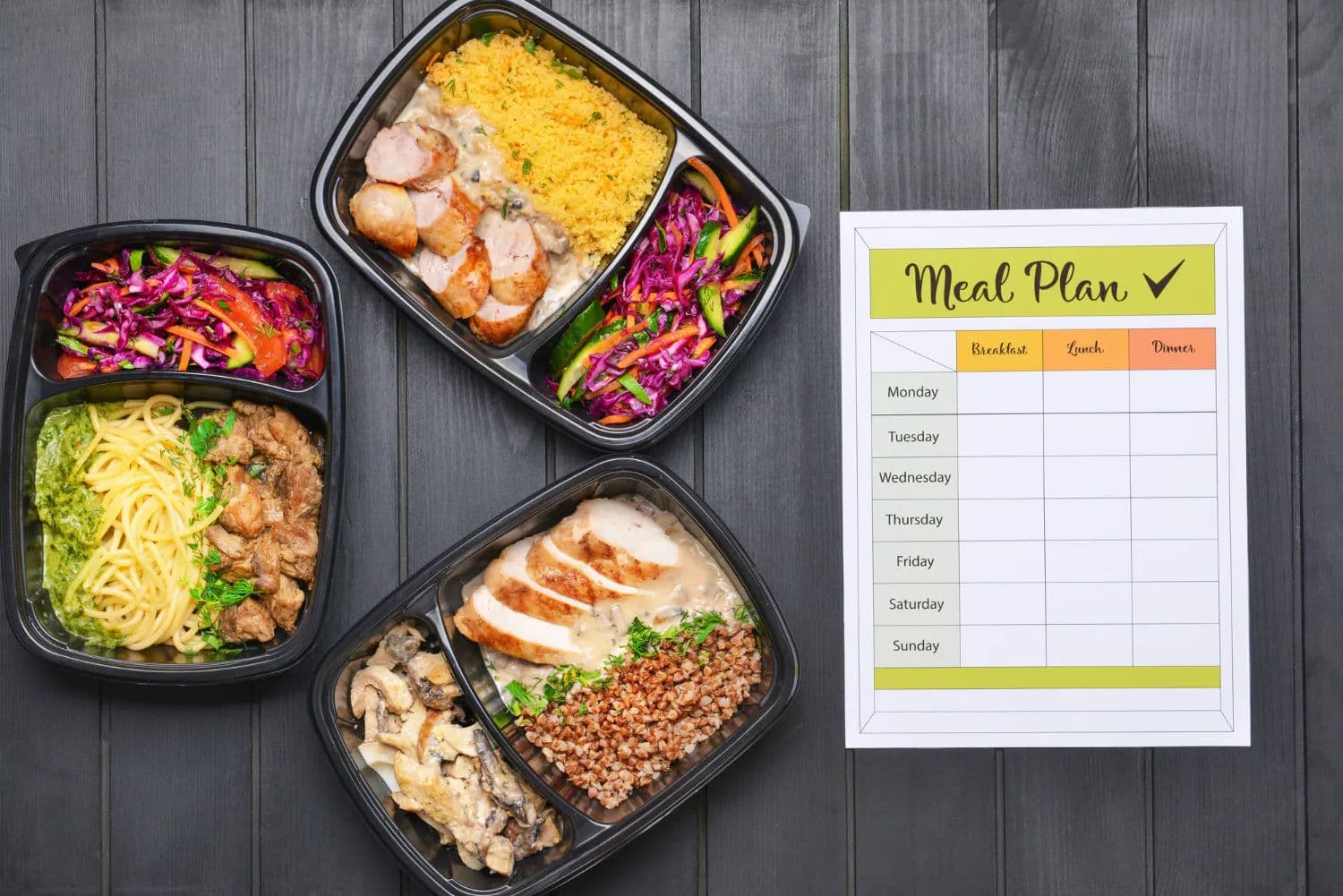
The easiest way to make a grocery list from a meal plan is to work in one direction: choose the meals, collect every ingredient, combine repeated items, remove what you already have, and organize what remains for the store.
That sounds simple. The messy part is usually in the middle.
One recipe asks for “1 onion,” another says “half a large onion,” and a third uses “2 cups chopped onion.” Rice appears in two dinners but in different units. A jar of mustard is already in the refrigerator, although nobody remembers how much is left. If you copy every ingredient line without reviewing it, the result is not a useful grocery list. It is several recipes pasted into one note.
This guide shows how to turn a real weekly meal plan into a list you can actually shop from.
Start with the meals you are likely to cook
Do not begin by listing products. Begin with the week.
Look at the days ahead and choose meals that fit the available time. A complicated dinner may work on Saturday but fail on a late Wednesday. Leave room for leftovers, eating out, and a simple fallback meal instead of assigning a new recipe to every slot.
A practical first plan might contain:
- Monday: chicken and vegetable rice bowls;
- Tuesday: pasta with tomato sauce and salad;
- Wednesday: leftovers;
- Thursday: lentil soup and bread;
- Friday: sheet-pan fish with potatoes;
- Saturday: flexible or unplanned;
- Sunday: family dinner.
The goal is not to predict the week perfectly. It is to create enough structure that you know what ingredients support the meals you genuinely expect to make.
The USDA’s MyPlate planning guidance recommends checking your refrigerator, freezer, and cabinets before shopping, writing down the week’s meals, considering how much cooking time is available, and planning for leftovers. That sequence matters: the shopping list should follow the plan, not lead it. (MyPlate: Make a Plan)
Step 1: Collect the ingredients from every planned recipe
Open each recipe and copy its ingredients into a working list. At this stage, do not remove duplicates. Keeping the source recipe visible makes it easier to correct quantities later.
For example:
Chicken rice bowls
- 1 pound chicken thighs
- 1 cup rice
- 1 bell pepper
- 1 onion
- soy sauce
Pasta and salad
- 12 ounces pasta
- 1 can tomatoes
- half an onion
- lettuce
- cucumber
- olive oil
Lentil soup
- 1 cup lentils
- 1 onion
- 2 carrots
- vegetable stock
- bread
This rough list is intentionally repetitive. First capture everything; clean it up in the next step.
Step 2: Normalize ingredient names and units
Recipes often describe the same product in different ways. Before adding quantities, standardize the names.
Treat these as the same item when appropriate:
- onion, yellow onion, and chopped onion;
- canned tomatoes and one 14-ounce can of tomatoes;
- vegetable broth and vegetable stock;
- scallions and green onions.
But do not combine ingredients only because they sound similar. Fresh tomatoes and canned tomatoes may serve different purposes. Long-grain rice and risotto rice are not always interchangeable. “Cheese” is too broad if one recipe needs Parmesan and another needs mozzarella.
Then standardize compatible units. Add ounces to ounces or grams to grams. If one recipe uses a count and another uses a volume, it may be safer to keep both descriptions until you can check the package or recipe.
Precision should serve the shopping decision. You do not need to convert half an onion into grams if buying three whole onions is already clear.
Step 3: Combine repeated ingredients
Now merge repeated items across the week.
From the example above:
- onions: 1 + half + 1 = 2½ onions, so buy 3;
- rice: 1 cup dry;
- carrots: 2;
- olive oil: needed for one meal, but check the pantry before adding it;
- bread: one loaf may cover soup plus another breakfast or lunch.
This step is where a grocery list becomes more useful than separate recipe checklists. You can see the total demand for the week instead of discovering halfway through cooking that two recipes depended on the same ingredient.
Be careful with serving sizes. If a recipe serves four but you are cooking for two, adjust its ingredients before combining them. If you want deliberate leftovers, increase the amount first and record that decision in the meal plan.
Step 4: Check the refrigerator, freezer, and pantry
Walk through the list and compare it with what you already have.
Do not simply ask, “Do we have rice?” Check whether there is enough rice for the planned quantity. Look at opened jars, produce that should be used soon, and freezer items that can replace a purchase.
Use three simple states:
- Buy: missing or not enough;
- Have: enough for the plan;
- Check: present, but quantity or freshness is uncertain.
The “check” state prevents two common mistakes: buying another full package just in case, or assuming an almost-empty container will cover the week.
This is also a good moment to adjust the plan. If spinach needs to be used soon, it may belong in Tuesday’s pasta. If the freezer already contains fish, Friday’s purchase can disappear from the list.
Step 5: Add non-recipe essentials
A recipe-based list covers planned meals, but households also need products that do not appear in dinner recipes.
Check recurring items such as:
- breakfast and lunch basics;
- fruit and snacks;
- milk or alternatives;
- coffee and tea;
- cooking oil, salt, and spices;
- household supplies.
Keep these separate from recipe ingredients during planning, then merge them into the final store list. This makes it easier to understand whether an item supports a planned meal or is a general household purchase.
Step 6: Organize the list by store section
A useful grocery list should match the way you move through the store.
Typical sections include:
- produce;
- bakery;
- meat and seafood;
- dairy and eggs;
- canned and jarred goods;
- grains, pasta, and baking;
- frozen foods;
- household items.
MyPlate explicitly recommends organizing a grocery list by store section to make shopping quicker and easier. (MyPlate: Make a Plan)
Your preferred order may differ. If the produce section is last in your regular store, put it last in the list. A consistent personal order is more useful than a theoretically perfect category system.
Step 7: Do a final quantity and safety review
Before leaving, scan the list once more:
- Does every planned meal have its main ingredient?
- Were serving sizes adjusted?
- Are repeated ingredients combined?
- Did you subtract pantry items only when enough is available?
- Are package sizes realistic?
- Are highly perishable foods scheduled early enough in the week?
Food safety belongs in the shopping workflow too. The FDA advises keeping raw meat, poultry, and seafood separate from ready-to-eat foods in the cart and refrigerator. It also recommends refrigerating or freezing perishables promptly after getting home. (FDA: Separating Food, FDA: Storing Food Safely)
These checks are small, but they are more important than making the list look perfectly tidy.
A complete example
Suppose the weekly plan contains three dinners:
- chicken rice bowls;
- pasta with tomato sauce and salad;
- lentil soup with bread.
After combining recipes and checking the pantry, the final list might look like this:
Produce
- 3 onions
- 1 bell pepper
- 2 carrots
- 1 head of lettuce
- 1 cucumber
Meat
- 1 pound chicken thighs
Bakery
- 1 loaf of bread
Canned and dry goods
- 12 ounces pasta
- 1 can tomatoes
- 1 cup lentils
- vegetable stock
Already at home
- rice
- soy sauce
- olive oil
- salt and spices
Notice that the “already at home” section remains visible. That is useful when plans change or another household member checks the list. Removing those ingredients entirely can make it harder to understand why a recipe appears complete.
How Dishday connects the plan and the list
Dishday is designed around the same sequence: choose or save recipes, place meals into the week, and bring the required ingredients into a grocery list.
You remain responsible for reviewing quantities, duplicates, substitutions, allergens, and the products already available at home. The benefit is that the meal plan, recipe library, pantry context, and shopping workflow live in one connected place instead of separate notes.
If you are still deciding how to structure the week, start with the Dishday weekly meal-planning guide. If you want to understand how suggestions can help you choose meals, see the AI meal planner guide.
Dishday is available for iPhone, iPad, and Apple Watch. View Dishday on the App Store.
Frequently asked questions
Can I make a grocery list from several recipes?
Yes. Collect the ingredients from every recipe, standardize their names and units, then combine matching items. Adjust serving sizes before adding quantities together.
Should I remove ingredients I already have?
Mark them as already available rather than deleting them immediately. Confirm that the quantity and condition are sufficient for the planned recipes.
How should I organize a grocery list?
Organize it in the same order as the sections in your regular store. Produce, bakery, meat, dairy, canned goods, grains, frozen foods, and household products are common categories.
How do I handle ingredients used in multiple meals?
Add the required quantities together after converting compatible units. If the ingredient is sold only in larger packages, plan how the remainder will be used or stored.
Does Dishday create the grocery list automatically?
Dishday can bring ingredients from selected recipes into a connected grocery-list workflow. Review the resulting items, amounts, duplicates, and pantry availability before shopping.
What if the meal plan changes during the week?
Keep the list connected to the meals and revise it before shopping. If plans change after shopping, prioritize perishable ingredients and move flexible pantry-based meals to another day.
The simple rule to remember
A good grocery list is not a copy of every recipe ingredient. It is the reviewed difference between what the weekly plan needs and what your kitchen already contains.
Choose the meals first. Combine carefully. Check what is at home. Then shop from one clear list.