
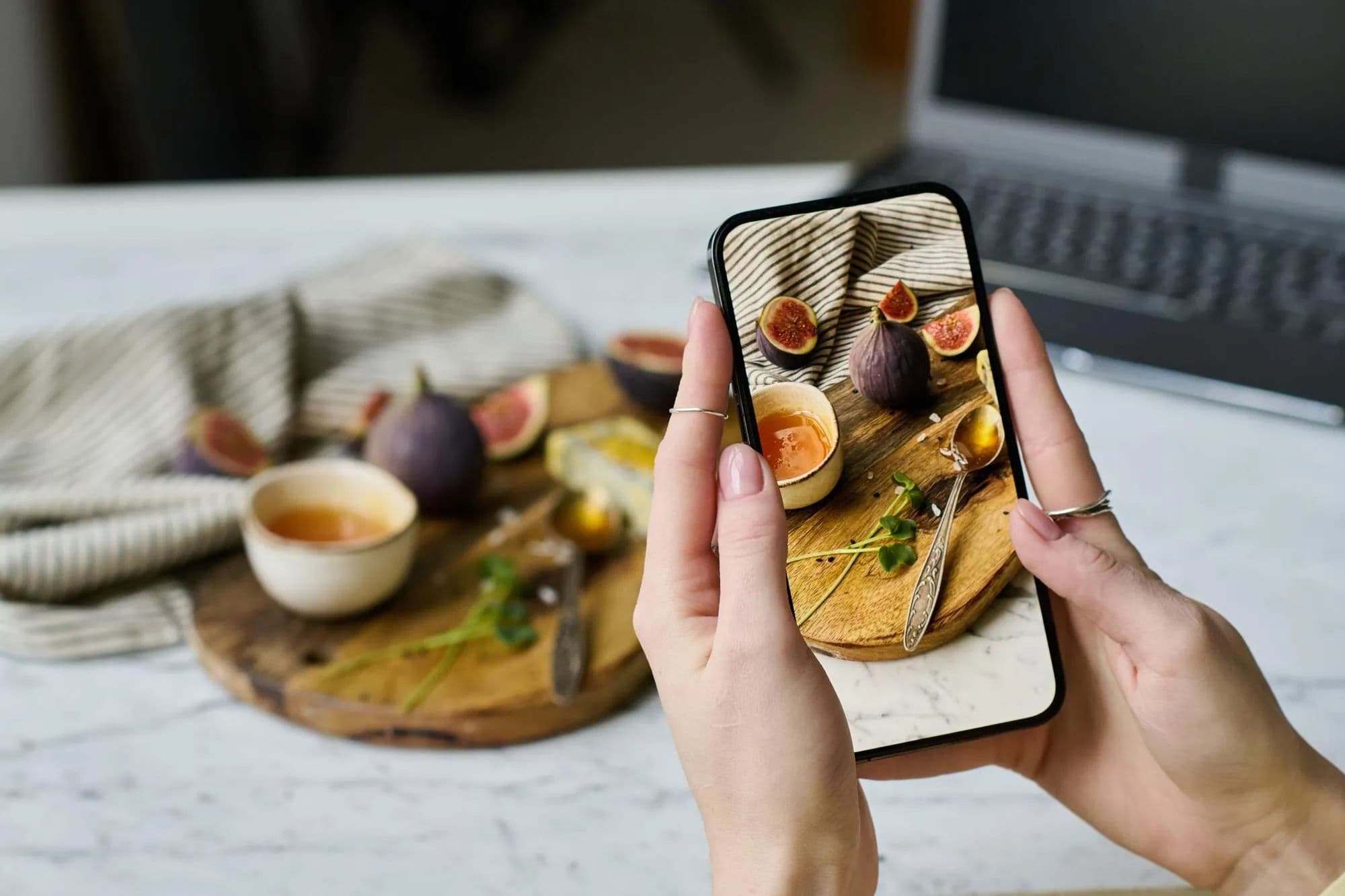
The most reliable way to save an Instagram recipe on iPhone is to keep the original post and turn the useful details into a recipe you can search later: title, ingredients, quantities, and steps. A saved Reel is helpful as a bookmark, but it is not yet a recipe you can cook from or add to a weekly plan.
That difference matters when you are standing in a grocery store or deciding what to make on a busy evening. The video may be buried among hundreds of saved posts, the caption may be shortened, and the ingredient list may have appeared only briefly on screen.
This guide gives you a simple system for saving Instagram recipes without building another pile of bookmarks.
Why saved posts are hard to use as a recipe library
Instagram is excellent for discovering meal ideas. It is less useful as a kitchen archive.
A recipe can be spread across several places: the caption, on-screen text, a comment, and a linked website. Some Reels show the finished dish but leave out quantities. Others use phrases such as “season to taste” or “cook until ready,” which need a little context before you can repeat the meal.
When every recipe stays only inside Instagram, a few practical problems appear:
- you cannot easily search all saved recipes by ingredient or meal type;
- you may save the same idea more than once;
- ingredients are not connected to a grocery list;
- the original post can change, be removed, or become difficult to find;
- a good idea is forgotten before it reaches your dinner plan.
The goal is not to copy every Reel you see. It is to keep the recipes you genuinely want to make in a format that supports the next step.
Step 1: Save the original post or Reel first
Use Instagram’s save action immediately when a recipe catches your attention. If you use Collections, make one called something clear, such as “Cook soon” or “Recipes to try.”
This preserves the original source. It is useful for checking the video again, seeing substitutions in the comments, or giving credit to the creator when you share the recipe with someone else.
Do not rely on the saved post as your only record, though. Treat it as the source link rather than the finished recipe card.
Step 2: Decide whether the recipe is worth saving properly
Before spending time on a recipe, ask three quick questions:
- Would I realistically cook this in the next few weeks?
- Are the ingredients, quantities, and key steps available?
- Does it fit my time, equipment, budget, and dietary needs?
If the answer is no, leave it in the Instagram collection. It can remain inspiration.
If the answer is yes, save the practical details while the post is open. This is faster than trying to reconstruct them later from a thumbnail and a vague memory.
Step 3: Capture the information you will need in the kitchen
For a usable recipe, keep these basics:
- a clear name for the dish;
- the original post or page link;
- ingredient names and quantities where available;
- the main preparation steps;
- servings, preparation time, or cooking time if the creator provides them;
- any note you need, such as “use chicken thighs” or “make extra sauce.”
You do not need to copy the creator’s story word for word. Focus on the information required to shop and cook safely.
If a Reel has no quantities, make that limitation visible instead of pretending it is a complete recipe. You might write “amounts not provided — check video before cooking” and save it as an idea to test. That is more honest and more useful than guessing.
Step 4: Use a link when the full recipe lives on a website
Many Instagram recipe posts link to a full recipe on a public webpage. In that case, save the original Instagram post and the recipe page.
The page often contains the details that are missing from the Reel: a full ingredient list, step-by-step instructions, servings, or substitutions. Check that the page is accessible and that it actually matches the dish shown in the post before saving it.
Keep the creator’s source with the recipe. A source link helps you return to the original context and avoids turning someone else’s work into an unattributed note.
Step 5: Put recipes in one searchable place
The important habit is consistency. A note app, recipe app, or personal cookbook can work if you use it every time you decide a recipe is worth keeping.
Use a few practical labels rather than dozens of detailed folders. For example:
- quick dinner;
- vegetarian;
- chicken;
- pasta;
- meal prep;
- weekend cooking;
- recipes to try.
These labels make it easier to answer a real question later: “What can I cook with chicken in 30 minutes?”
Dishday is designed for this handoff from inspiration to action. You can keep recipes in a personal library and use the recipe import feature for accessible public recipe links, then review the resulting card before relying on it. Import is a starting point, not a substitute for checking ingredients, quantities, allergens, and cooking instructions.
Step 6: Move a saved recipe into the week only when you plan to cook it
Most saved recipes will stay ideas. The useful ones become meals.
When you choose a recipe for the coming week, add it to a specific day and meal. Then check the ingredients against what is already at home. This is the moment when a social-media recipe becomes part of a realistic plan instead of another open tab.
For example, a saved lemon pasta Reel might become Tuesday dinner. You can then check whether you already have pasta, olive oil, and Parmesan, and add the missing items to your shopping list.
The Dishday meal planner helps connect that sequence: choose a recipe, place it in the week, and review what you need to buy. You still decide whether the recipe fits your household and whether the source information is complete.
A simple five-minute workflow
Here is a repeatable process for one Instagram recipe:
- Save the Reel or post in Instagram.
- Open the caption and any linked public recipe page.
- Decide whether you would cook it soon.
- Save the title, source, ingredients, and core steps in your recipe library.
- Add one useful label, such as “quick dinner” or “try this week.”
- When planning meals, move it to a day and check the ingredients you already have.
The process takes a little longer than tapping the Instagram bookmark, but it prevents the larger cost of repeatedly searching for the same recipe.
What to do when the Instagram recipe is incomplete
Incomplete posts are common. Do not assume a beautiful video is a reliable cooking instruction.
If an ingredient list is missing, try the creator’s profile link or a related public recipe page. If the creator gives only rough steps, use the post as inspiration and choose a tested recipe for the actual meal. If you make your own version, record what you changed so you can improve it next time.
For food safety and allergies, always check ingredients and cooking requirements yourself. A recipe app or an AI suggestion cannot verify that a social-media post is complete, accurate, or appropriate for your diet.
From saved Instagram recipes to a grocery list
Once recipes are in a usable format, the next practical task is shopping. Combine ingredients from the meals you selected, adjust for servings, and check the pantry before buying anything.
Read How to Make a Grocery List from a Weekly Meal Plan for a step-by-step method. It explains how to combine repeated ingredients, keep pantry items visible, and organize the final list for the store.
Frequently asked questions
Can I save Instagram recipes directly to my iPhone?
You can save the post in Instagram and keep the source link on your iPhone. For a recipe you want to cook, also save the ingredients and steps in a recipe library or note so it remains searchable and usable outside the feed.
What is the best way to organize recipes from Instagram?
Use one consistent recipe library and a small number of labels based on how you cook: quick dinners, meal prep, vegetarian meals, or recipes to try. Keep the original source link with each saved recipe.
Can I import an Instagram recipe into Dishday?
Dishday can help save accessible public recipe links into a structured recipe workflow. Always review the imported content, especially quantities, missing steps, allergens, and the original source, before cooking or shopping.
Why should I keep the original Instagram link?
The original link lets you revisit the creator’s video, captions, comments, and source. It is also useful when a saved recipe needs clarification or you want to credit the creator.
What if a Reel does not include the ingredient amounts?
Keep it as an idea rather than treating it as a complete recipe. Look for a linked recipe page, ask the creator where they publish full instructions, or use a tested recipe with similar ingredients.
Make saved recipes useful
Instagram can be the place where you discover dinner. Your recipe library should be the place where you can find, plan, and cook it.
Save the original source, keep the practical details, and only add recipes to your plan when they fit the week ahead. Download Dishday on the App Store to keep recipes, meal ideas, and shopping in one connected workflow.