
The most useful way to save a TikTok recipe is to keep the original post, copy or share its public link, and turn the cooking details into a recipe card you can search later. A favorite or downloaded video preserves the idea. A recipe app preserves the information you need to cook it: ingredients, quantities, steps, servings, and your own notes.
That distinction matters when a 40-second video becomes next Tuesday’s dinner. You need more than a thumbnail and a creator’s username. You need to know what to buy, what you already have, and whether the instructions are complete enough to follow.
This guide shows a practical workflow for moving TikTok recipes out of the feed and into a personal recipe library without losing the original source.
Why a saved TikTok is not yet a usable recipe
TikTok is built for discovery. The format makes it easy to see a meal idea and difficult to retrieve every detail at the exact moment you need it.
The ingredient list may appear briefly as on-screen text. Quantities may be in the caption while the method is in the video. A substitution may be mentioned in a comment. Some posts show a technique but never provide a complete recipe.
If all your cooking ideas remain in TikTok Favorites, several problems build up:
recipes are mixed with unrelated saved videos;
search depends on the creator’s wording rather than your ingredients;
quantities and servings are easy to miss;
saved ideas are not connected to a weekly meal plan;
ingredients cannot become a grocery list without extra work;
a post may later become private, unavailable, or difficult to find.
The goal is not to import every food video. Save only the recipes you are realistically likely to cook.
Step 1: Keep the original TikTok post
Start by adding the post to your TikTok Favorites. The original is valuable because it preserves the creator’s demonstration, caption, comments, and attribution.
If TikTok shows a Save video option, you may also keep an offline copy for personal reference. TikTok’s official help explains that downloading is available only when the creator allows it. If the option is missing, do not treat that as a technical problem to bypass. Keep the post or its share link instead. See TikTok’s guidance on downloading posts.
Saving the source is the first layer of the system. The next layer is turning the post into information you can use in the kitchen.
Step 2: Copy or share the public link
Open the TikTok post, tap Share, and use the available share or copy-link action. The exact order of options may vary by app version and region.
Keep that source link with the recipe. It helps you:
return to the original technique;
check details you did not copy;
credit the creator;
see whether the creator added corrections;
distinguish the source from your own notes.
A link is also more useful than a downloaded video when you want a recipe app to read accessible public information. However, a link may not work if the post is private, restricted, removed, or unavailable without a login. In that case, save the recipe manually rather than assuming an importer can access it.
TikTok notes that creators can restrict downloads while their posts may still be shared through links or direct messages. That is another reason to treat the public source link and a video download as two different things. See TikTok’s download privacy explanation.
Step 3: Check whether the post contains a complete recipe
Before importing anything, decide whether the video gives you enough information to cook safely and repeat the result.
Look for:
a clear dish name;
ingredients and approximate quantities;
preparation and cooking steps;
time or visual doneness cues;
servings, when relevant;
oven temperature or heat level;
notes about allergens or important substitutions.
If several of these are missing, keep the post as inspiration rather than pretending it is a complete recipe.
For example, a video titled “crispy potato trick” may demonstrate one technique without saying how much oil to use, how long the potatoes were parboiled, or what oven temperature produced the result. That can still be useful, but it should not become an authoritative recipe card without additional information.
Step 4: Move the recipe into one searchable library
You can type the recipe into a notes app, a spreadsheet, or a dedicated recipe organizer. The best system is the one you will use consistently.
For every recipe you keep, capture:
your own clear title for the dish;
the original TikTok link;
ingredients and quantities that were actually provided;
the main steps in the correct order;
one or two useful labels;
a personal note about anything you want to change.
Dishday supports the same transition from discovery to action. Its current App Store listing says users can save and import recipes from the web, Instagram, TikTok, or personal notes. The Dishday recipe-import workflow turns accessible recipe text into a structured card that you can review and edit.
Import is a starting point, not proof that the social post is complete. If the source hides important details inside a video frame, uses vague measurements, or requires a login, you may still need to add information manually.
Step 5: Review every imported field
Do not save an automatically structured recipe and immediately use it for shopping.
Compare the card with the source and check:
Are all ingredients present?
Do the quantities match the caption or on-screen text?
Are temperatures and units correct?
Did the importer preserve the order of the steps?
Are servings and cooking times stated by the creator, or were they left unknown?
Does the recipe contain an allergen or food-safety issue that needs your attention?
If a quantity is missing, mark it as missing. Do not fill gaps with a confident guess. A clear note such as “amount not provided — check the video” is safer and more useful than an invented measurement.
Step 6: Organize by how you actually cook
Large folder systems usually become another maintenance task. Start with a few labels that answer real planning questions:
quick dinner;
meal prep;
vegetarian;
chicken;
pasta;
weekend project;
try this week.
One recipe can have more than one label. A spicy chickpea bowl might belong to “vegetarian,” “meal prep,” and “quick dinner.”
The original TikTok creator does not need to use these words. Your library should describe how the recipe fits your life, not simply repeat the video caption.
If you also save recipes from Instagram, keep both platforms in the same recipe library. The adjacent guide How to Save Instagram Recipes on iPhone explains how to handle Reels, captions, and linked recipe pages without creating a second disconnected archive.
Step 7: Add the recipe to a real meal plan
A saved recipe becomes useful when it reaches a specific meal.
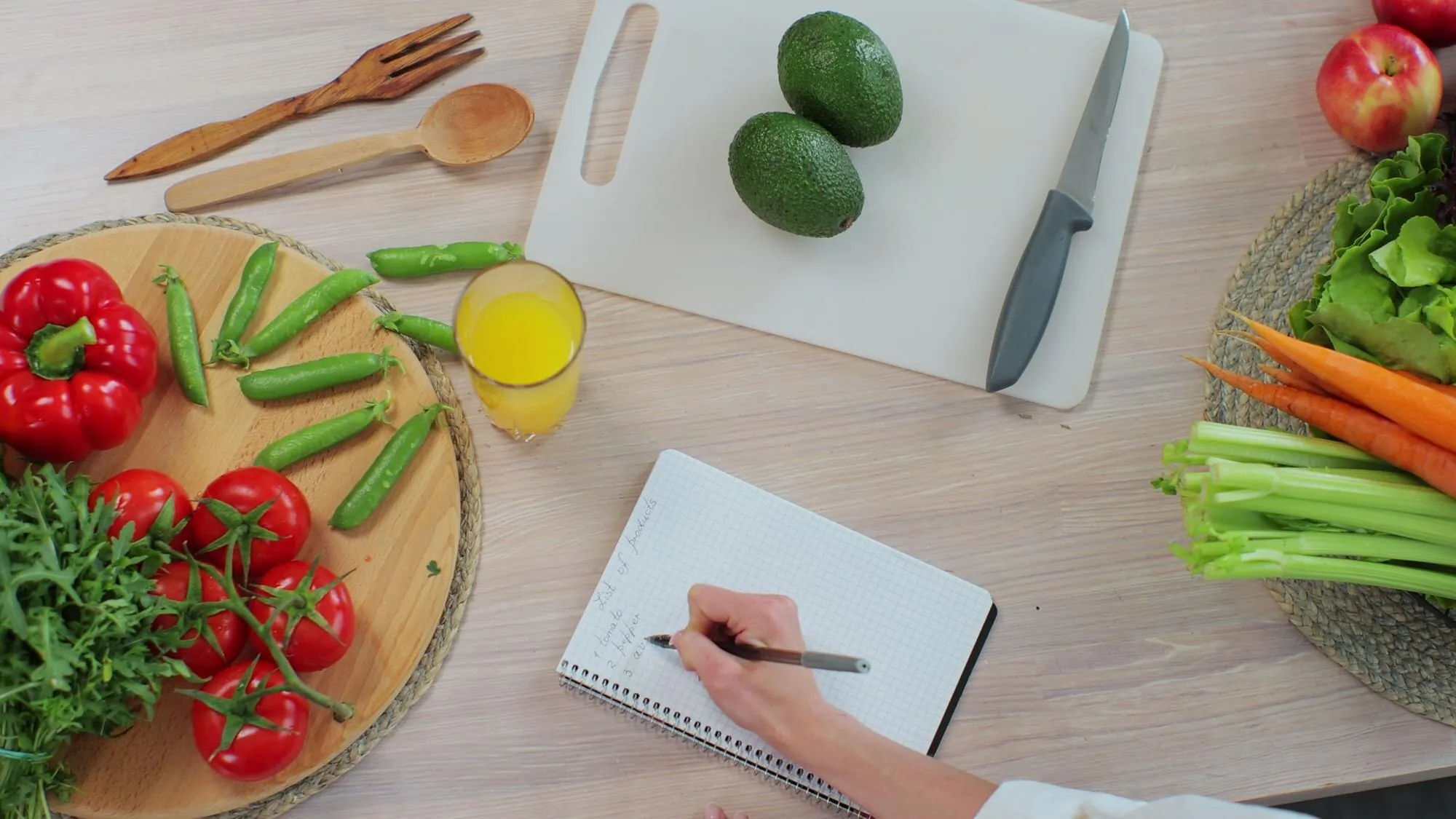
Suppose you saved a TikTok video for sesame chicken bowls. After reviewing the recipe, you place it on Wednesday in your weekly plan. Now you can check whether you already have rice, soy sauce, sesame oil, and frozen vegetables. Only the missing items need to reach the grocery list.
The Dishday meal planner connects the recipe to a day and meal. This helps separate recipes you admire from meals you genuinely intend to cook.
When several recipes are planned, combine repeated ingredients before shopping. If two dinners use green onions and three use garlic, the final list should show the total amount rather than several disconnected recipe lines. The guide How to Make a Grocery List from a Weekly Meal Plan covers that process step by step.
A practical example from TikTok to Tuesday dinner
Imagine you find a short video for creamy tomato orzo.
First, add the post to Favorites and keep its public link. Then check the caption. It lists orzo, canned tomatoes, stock, cream, spinach, garlic, and Parmesan, but the video does not state how many servings it makes.
Create or import the recipe card and preserve the known quantities. Leave servings blank or add a note that the creator did not specify them. Review the order of the steps, especially when the stock and cream are added.
Label the recipe “one-pan” and “quick dinner.” If you decide to cook it on Tuesday, place it in the meal plan. Check the pantry, then add only the missing orzo, spinach, and cream to the grocery list.
The result is still connected to the original creator, but it is now searchable and usable outside the TikTok feed.
What if the TikTok recipe is incomplete or unavailable?
Use the following fallback:
No ingredient quantities: keep it as an idea, look for a linked full recipe, or choose a tested recipe for the same dish.
Private or login-restricted post: enter the recipe manually from information you are allowed to access.
Creator disabled downloads: keep the public link or Favorite; do not try to bypass the restriction.
Post was deleted: use your saved recipe card only if it contains enough verified detail, and keep the creator attribution you recorded.
Instructions conflict: return to the source and use your cooking judgment; do not let an automatic import decide which version is correct.
For allergens, safe cooking temperatures, and dietary needs, verify the recipe yourself. Neither a social post nor an AI-assisted importer replaces food-safety judgment, a clinician, or a dietitian.
Frequently asked questions
Can I save TikTok recipes directly to a recipe app?
Yes, when the app supports public-link or text import. Keep the original TikTok source, import or enter the usable details, and review every ingredient and step before cooking.
Do I need to download the TikTok video?
No. A public share link is usually more useful for preserving the source. TikTok allows video downloads only when the creator enables them, so downloading should be optional rather than the foundation of your recipe system.
Can Dishday import recipes from TikTok?
Dishday’s App Store listing includes TikTok among its recipe-import sources. Accessible content can be turned into a structured card, but you should still check quantities, steps, allergens, and the original post.
What should I do if the TikTok recipe has no measurements?
Do not invent them. Mark the recipe as incomplete, look for a full recipe from the creator, or use a tested version of the dish from another reliable source.
How should I organize recipes saved from TikTok?
Use one searchable library and a small set of practical labels, such as quick dinner, meal prep, vegetarian, or try this week. Keep the original source link with every recipe.
Turn cooking inspiration into a meal
TikTok can help you discover dinner, but the feed should not be your only cookbook.
Keep the original post, save the details you can verify, review the recipe card, and add it to your week only when you plan to cook it. Download Dishday on the App Store to keep saved recipes, meal planning, and grocery preparation in one connected workflow.